Settings
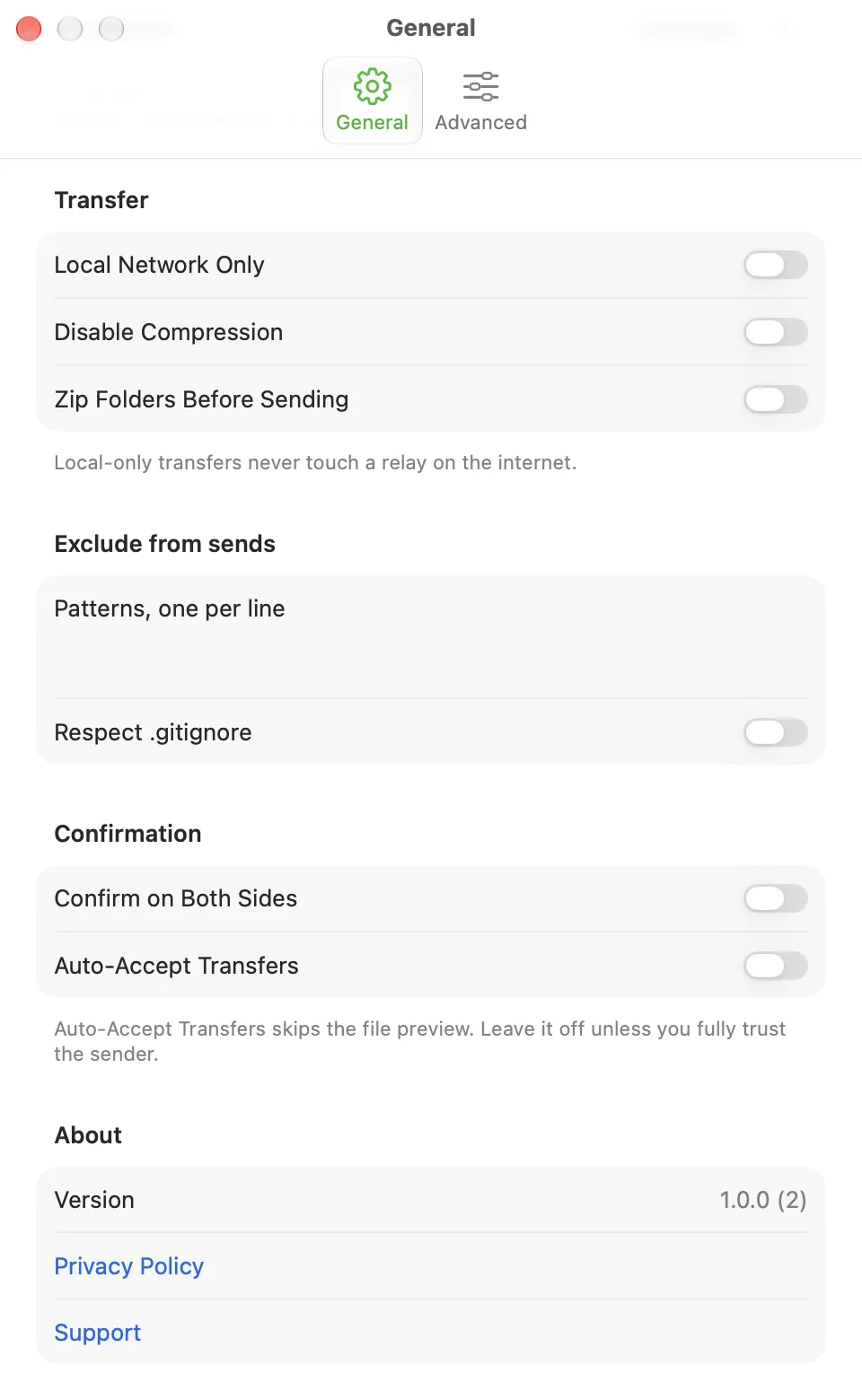
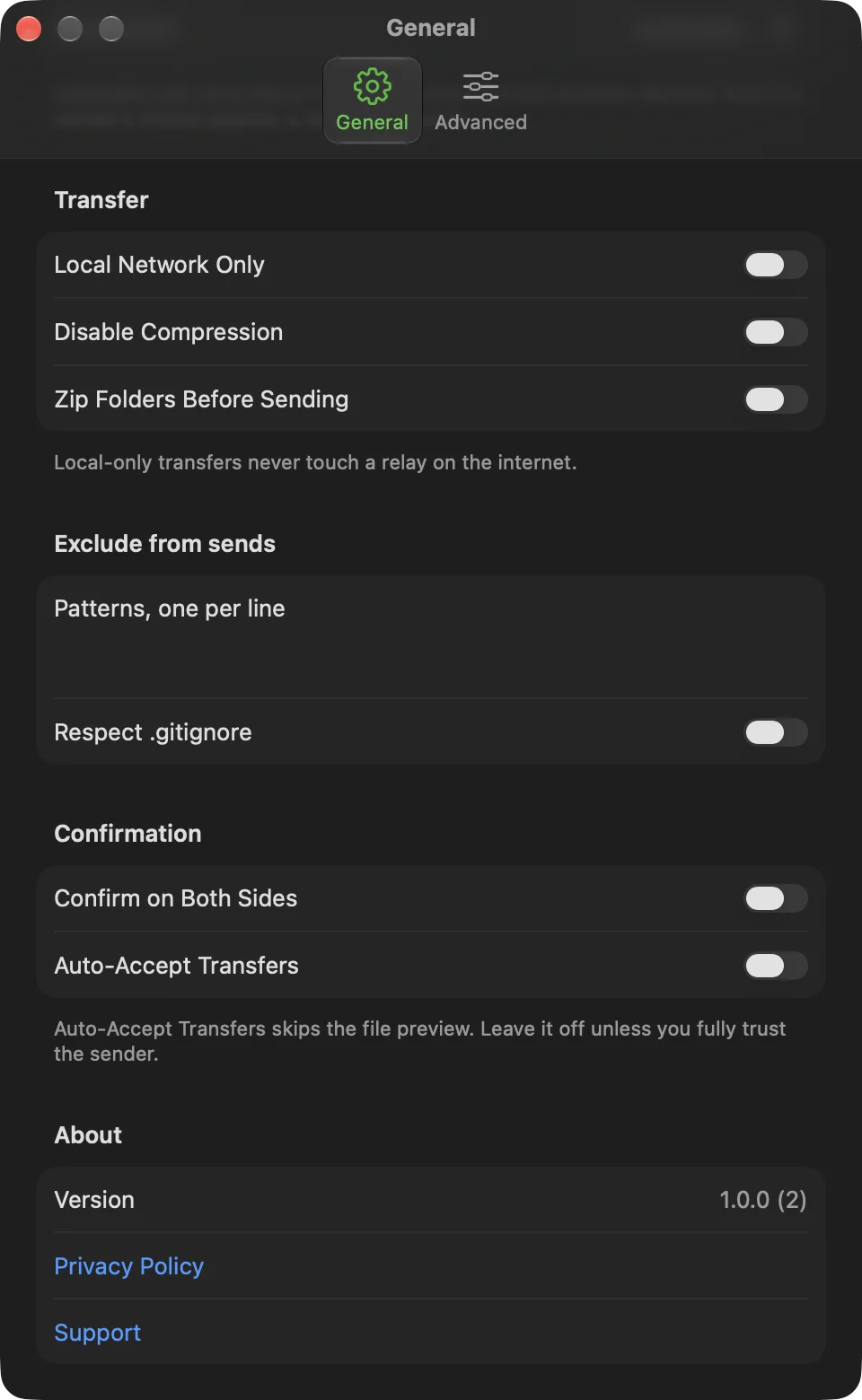
On a Mac, open Settings with ⌘, and use the General and Advanced tabs. On iOS, tap the gear on the home screen. Advanced is a row at the bottom of that screen.
Settings stay on the device. There is no sync and no account. Defaults suit most people.
Receive and Menu bar (Mac)
The Receive section shows Save Received Files To, with Change…, Reset and Show in Finder. On iOS, change the destination from the Receive screen instead.
The Menu bar section has Show in Menu Bar (on by default) and Open at Login (off by default). Open at Login follows what macOS reports, so a change in System Settings > General > Login Items shows up here. If macOS needs your approval, an Open Settings button takes you to Login Items. See Mac menu bar and keyboard shortcuts.
Relay
By default CrocApp uses croc's public relay pool, the same one the croc command line uses. Address and IPv6 Address show "Public relay pool" when empty, and Password shows "Default".
To use your own relay, run croc relay on a machine you control and enter its address, and its password if you set one. The other device must use the same relay. The app cannot run a relay itself. Reasons to run your own: your transfers route through infrastructure you control, or you would rather not depend on an external service.
Send as link
Link Server holds the server for Send as link. The default is https://getcroc.com, run by croc's author, not by CrocApp. Reset to https://getcroc.com appears once you change it.
The address is checked as you type. It must use https (plain http is allowed only for localhost), and it can have nothing after the host name: no path, query or fragment. The server must speak croc's stored-transfer protocol.
Connection
Connection chooses how a send carries large files.
- Automatic (the default): a send of 128 MiB or more also tries a direct connection between the two devices, set up through
tailcat.dev. That path uses its own relays (*.ipn.dev) when the devices cannot reach each other. It starts next to croc's relay, and whichever connects first carries the transfer. Smaller sends never start it. - Relay Only: a send never contacts
tailcat.devor the*.ipn.devservers.
The data is end-to-end encrypted on every path. Only the sender's choice applies. A receive follows whatever the sender uses, so the picker has no effect when you receive, and a receive from a sender on Automatic can use those servers. The picker is disabled while Local Network Only is on.
Transfer
- Local Network Only: transfers never use a relay on the internet. If a direct local connection cannot be made, the transfer fails instead of falling back.
- Disable Compression: sends file data uncompressed.
- Zip Folders Before Sending: packs a folder into one archive before sending.
Exclude from sends
Type patterns in Patterns, one per line to skip matching files when you send a folder. Respect .gitignore also skips whatever your .gitignore would.
Confirmation
- Confirm on Both Sides: the sender also approves each transfer, through the prompt The other device is connected, on top of the other device's accept step. It overrides Auto-Accept Transfers.
- Auto-Accept Transfers: off by default. When on, files from anyone who has your code are saved without a preview. Turn it on only for senders you fully trust. When a File Already Exists then decides between Keep Both (the default) and Replace. Unsafe file names still cancel the transfer.
Advanced
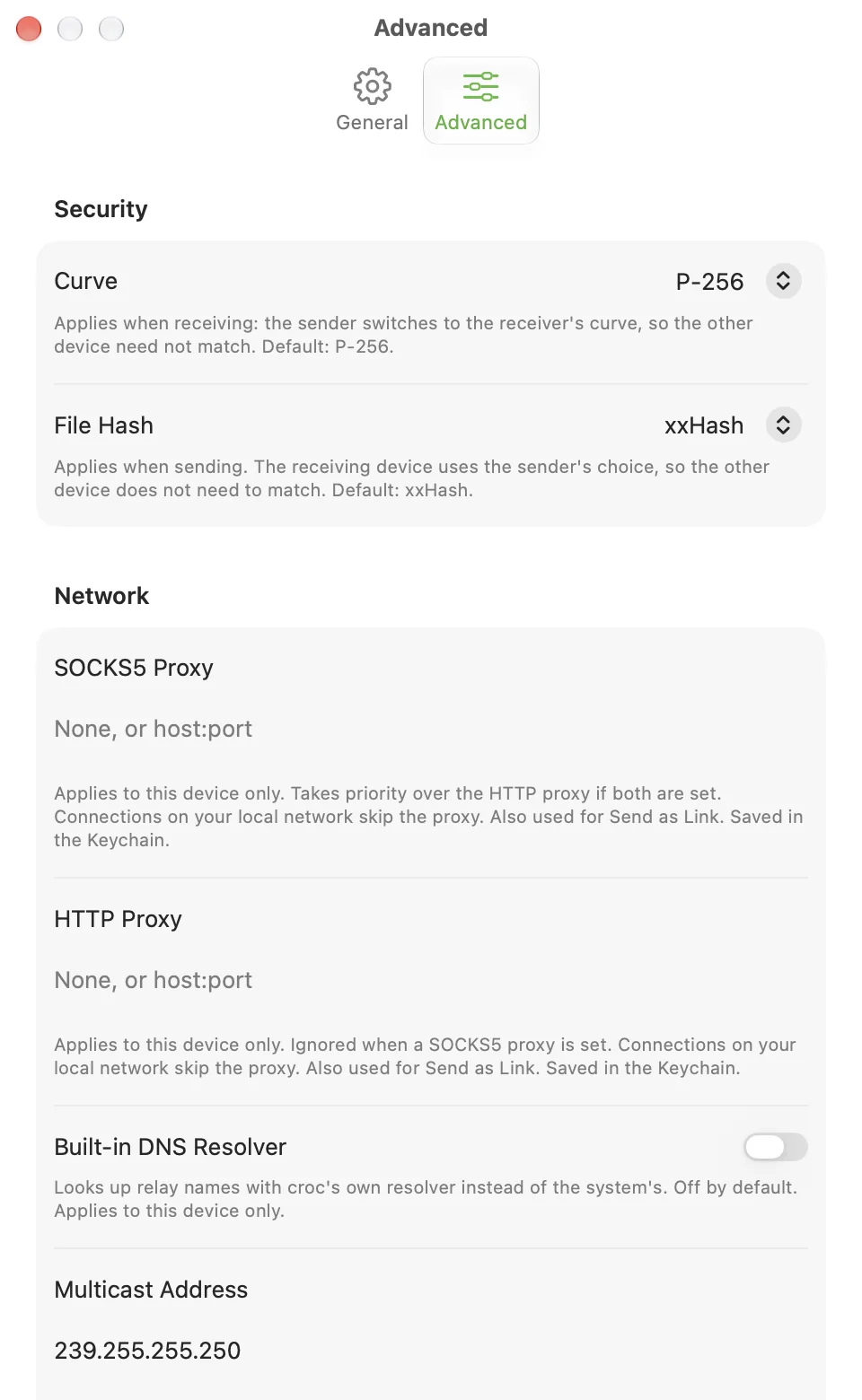
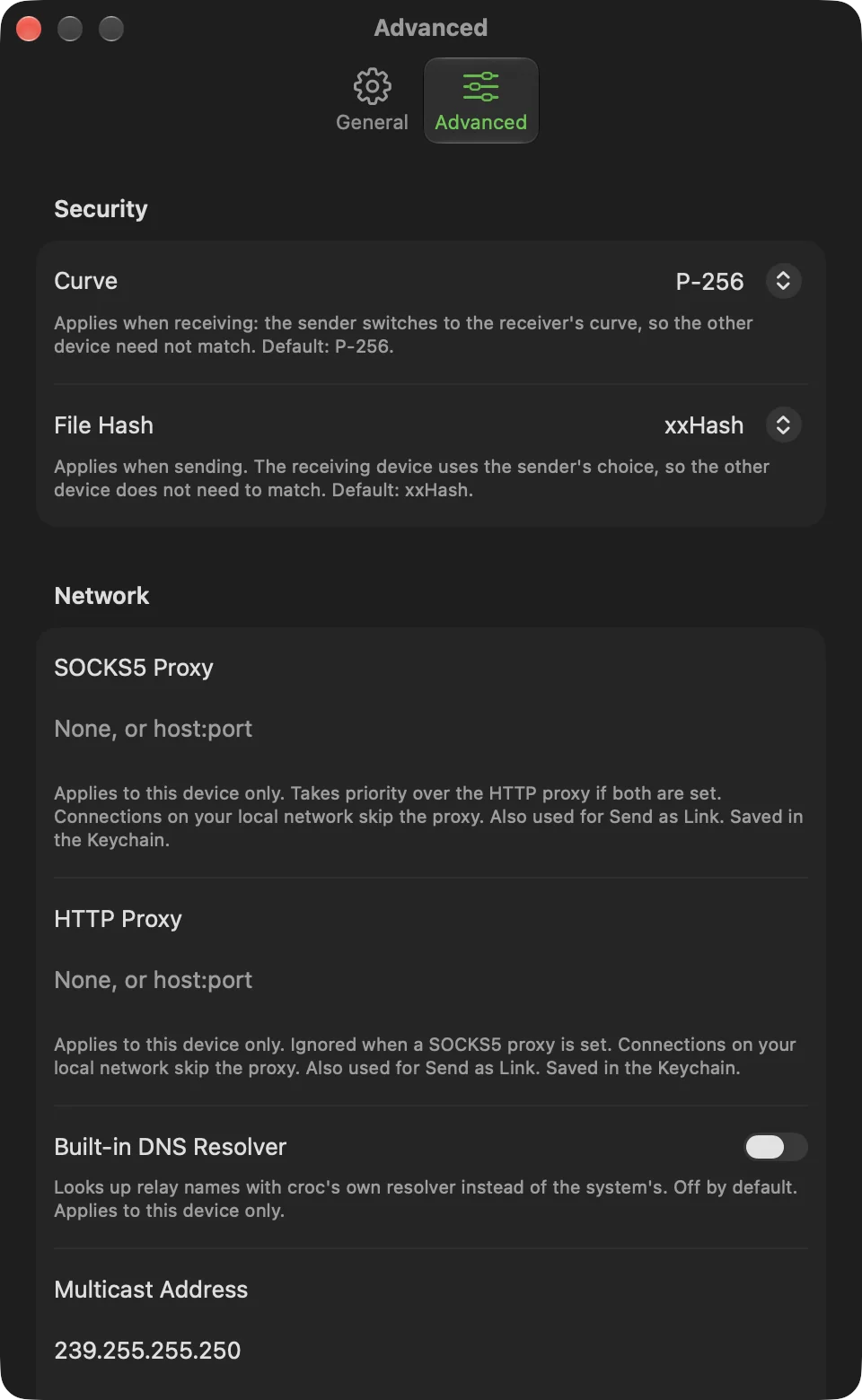
Advanced holds croc options most people never need. Every default is croc's own. Each field checks what you type and shows a message under it. If a saved value is not usable, a transfer fails with "An Advanced setting can't be used" instead of falling back to something else. Reset to Defaults at the bottom puts every setting back after a confirmation, and removes the saved proxies.
| Setting | Default | Affects | Does the other device have to match? |
|---|---|---|---|
| Curve | P-256 | Receiving | No: the sender uses the receiver's choice |
| File Hash | xxHash | Sending | No: the receiver uses the sender's choice |
| SOCKS5 Proxy | None | This device | No |
| HTTP Proxy | None | This device | No |
| Built-in DNS Resolver | Off | This device | No |
| Multicast Address (Mac only) | 239.255.255.250 | Both devices | Yes, to find each other on the local network |
| Sender IP | None | Receiving | No, but it must be the sender's address and base port |
| Send Speed Limit | No limit | Sending | No |
| Base Port | 9009 | Sending | Only if the other device connects by sender IP |
| Parallel Connections | 4 | Sending | No |
| Multiplexing | On | Sending | No: the receiver follows |
Security. Curve is P-256, P-384, P-521, SIEC or Ed25519. File Hash is xxHash, imohash, MD5 or HighwayHash.
Network.
- SOCKS5 Proxy and HTTP Proxy send this device's connections through a proxy. Enter
host:portor an address such assocks5://user:password@host:1080(SOCKS5 takessocks5://orsocks5h://, HTTP takeshttp://orhttps://). If both are set, SOCKS5 wins. Connections to your local network skip the proxy. They also apply to Send as link. A proxy address can contain a password, so CrocApp keeps both in the Keychain, never in the settings file or an error message. - Built-in DNS Resolver looks up relay names with croc's own resolver instead of the system's.
- Multicast Address is the group croc uses to find devices on the local network. It must be an IPv4 multicast address,
224.0.0.0to239.255.255.255. iOS needs an Apple entitlement for this that CrocApp does not have, so iOS always uses the default. - Sender IP is for receiving. Enter the sender's address and port, such as
192.168.1.20:9009or[fe80::1]:9009, and CrocApp connects straight to it, skipping relays and discovery. If nothing answers, the receive fails at once. It does not fall back to a relay.
Performance.
- Send Speed Limit caps this device's sending speed in bytes per second: digits with an optional
k,morg, such as500kor2m. - Base Port and Parallel Connections set the ports the sender listens on: the base port, then one more per connection. With the defaults that is 9009 to 9013, and the last port must stay at or below 65535. They matter when the other device connects by sender IP, or when something else on your device uses those ports.
- Multiplexing off sends over one data connection.
The trust badge
Waiting, confirming and transferring screens, and the home screen, show End-to-end encrypted with one line naming the route you configured:
- "Local network only: nothing leaves your network"
- "Via custom relay
<address>, which sees only encrypted data" - "Via the public croc relay, which sees only encrypted data"
- "Straight to the sender, no relay in between" (a receive with Sender IP set)
The badge reads your settings. It does not report which path carried the data. A transfer that croc moved over the local network, or over the direct connection under Automatic, can still say "Via the public croc relay". The statement that the server sees only encrypted data holds on every path.
About
About shows the app version and links to the privacy policy and support page.
What is stored
Settings are stored on the device. The relay password, the two proxies and Send as link receipts are in the Keychain. Nothing in Settings, no transfer content and no code phrase is sent anywhere except as part of a transfer you start. See Uninstall and data for where it all lives.