Power options
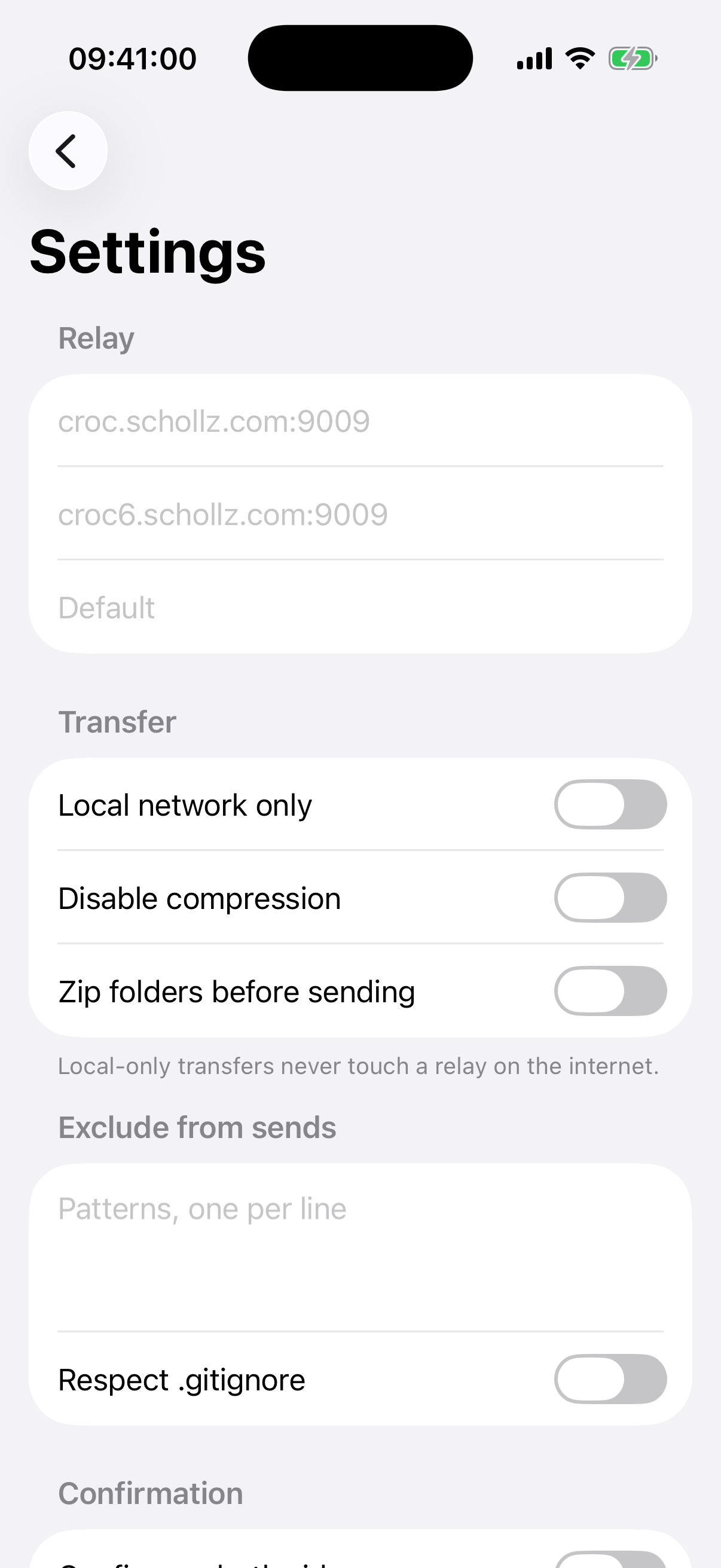
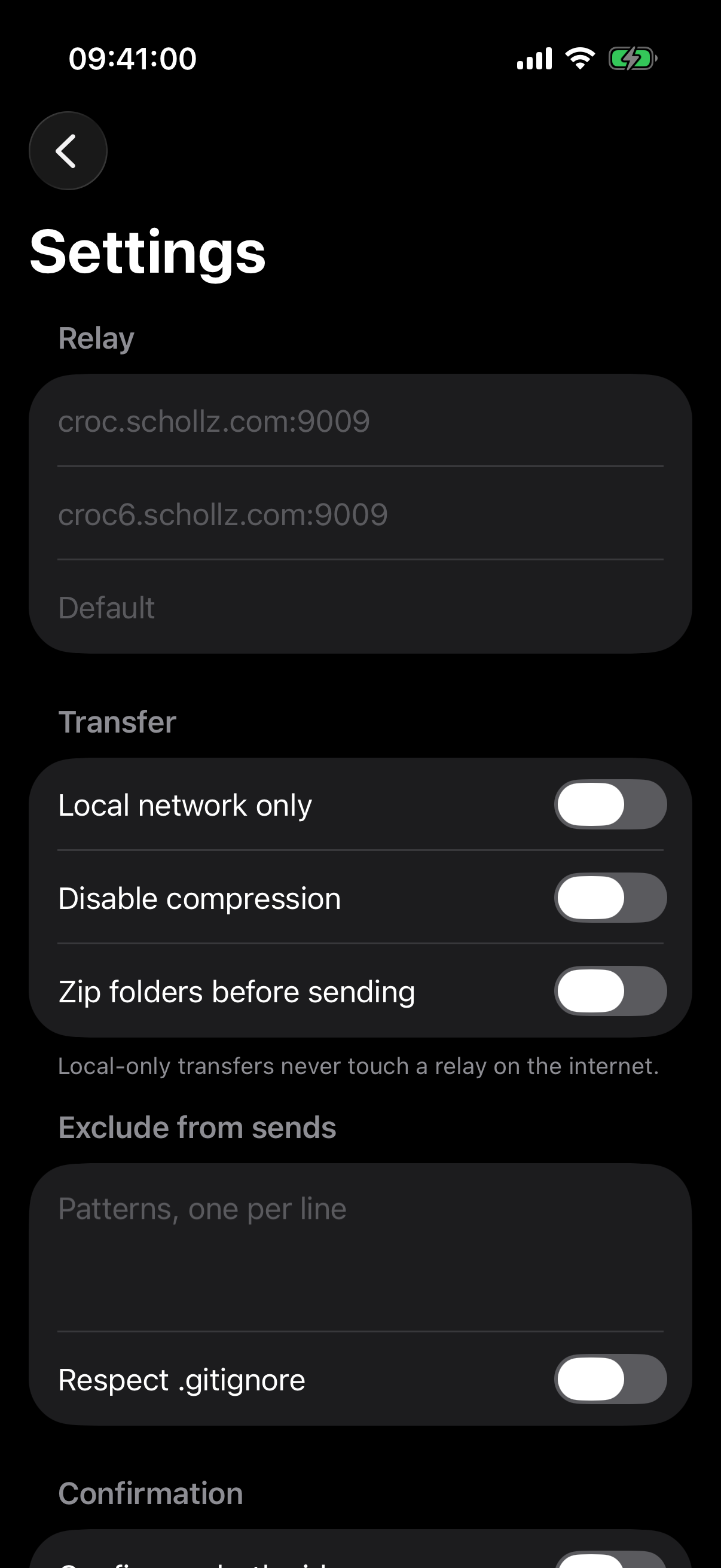
CrocApp exposes a set of power options with sane defaults. On macOS they live in the Settings scene (⌘,); on iOS they're under the settings screen from the home toolbar. All seven below are shipped.
| # | Option | Control | croc equivalent |
|---|---|---|---|
| F13 | Custom relay, password, IPv6 | Address, IPv6 address, Password fields under Relay | --relay --relay6 --pass |
| F14 | Force local-only transfers | Local network only toggle | --local |
| F15 | Disable compression | Disable compression toggle | --no-compress |
| F16 | Zip a folder before sending | Zip folders before sending toggle | --zip |
| F17 | Exclude patterns, respect .gitignore | Patterns, one per line field, Respect .gitignore toggle | --exclude --git |
| F18 | Auto-accept incoming, off by default | Auto-accept incoming files toggle | --yes |
| F19 | Require confirmation on both sides | Confirm on both sides toggle | --ask |
Relay (F13)
The Address and IPv6 address fields show croc's own defaults as placeholder text; leave them blank to use croc's default relay. Leave Password blank to use croc's default relay password.
Local network only (F14)
When on, transfers never touch a relay on the internet — CrocApp only uses the local network. If a direct local connection can't be made, the transfer fails rather than falling back to a relay.
Exclude patterns (F17)
Patterns go one per line in the Patterns, one per line field. Respect .gitignore additionally excludes anything your .gitignore would.
Auto-accept (F18)
Auto-accept is off by default. With it on, CrocApp shows this warning: "Files from anyone who has your code are saved without preview or confirmation. Unsafe file names still cancel the transfer. Both-sides confirm overrides auto-accept." With it off: "Auto-accept skips the incoming-files preview. Leave it off unless you fully trust the sender."
Confirm on both sides (F19)
When on, the sender also has to approve the transfer (via a Receiver connected prompt) before it starts, in addition to the receiver's normal accept step.
Not yet built
A further set of croc capabilities (SOCKS5/Tor proxy, HTTP proxy, upload throttling, curve and hash algorithm choice, direct IP connect, custom multicast address, port/transfer tuning, an internal DNS resolver, and running your own relay from the Mac app) is planned for a later release but has not been started.