CrocApp documentation
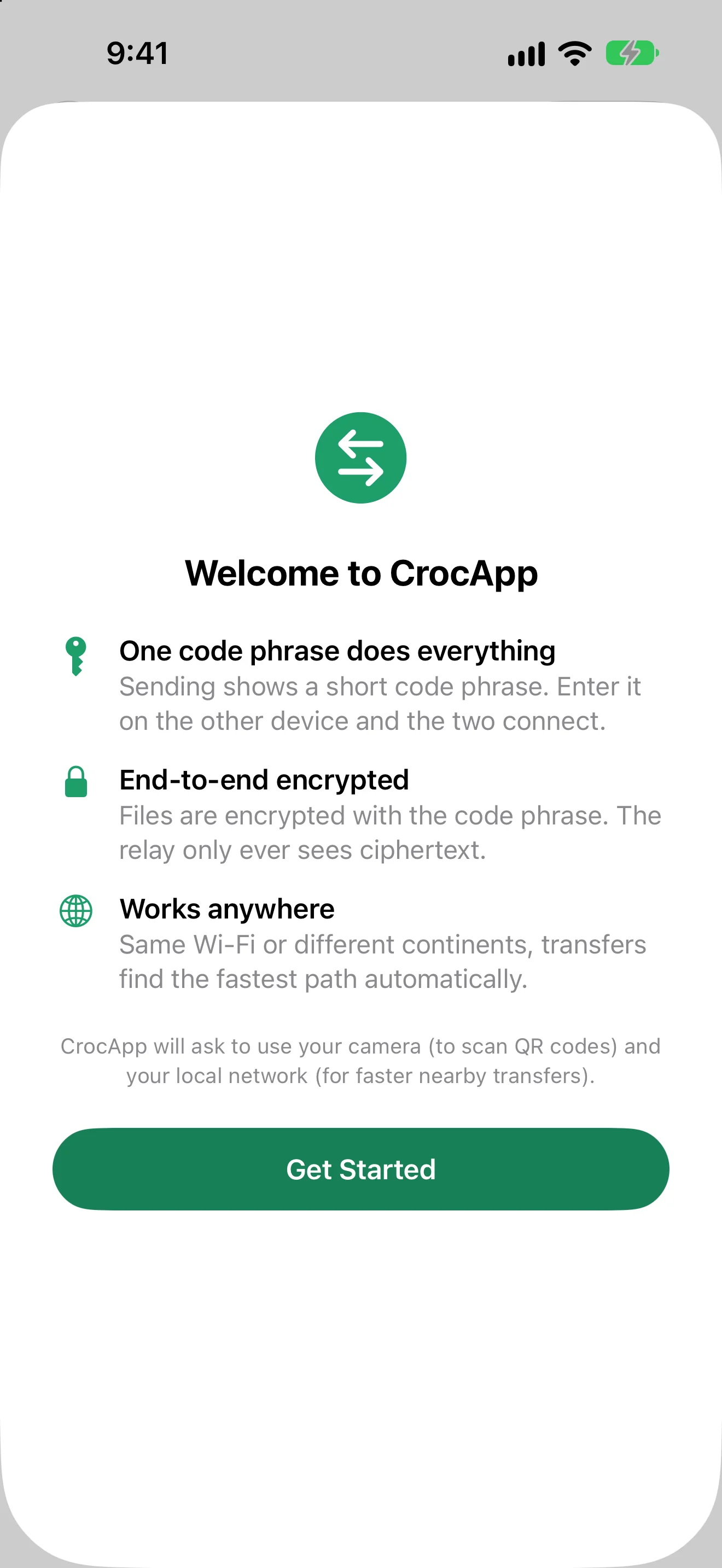
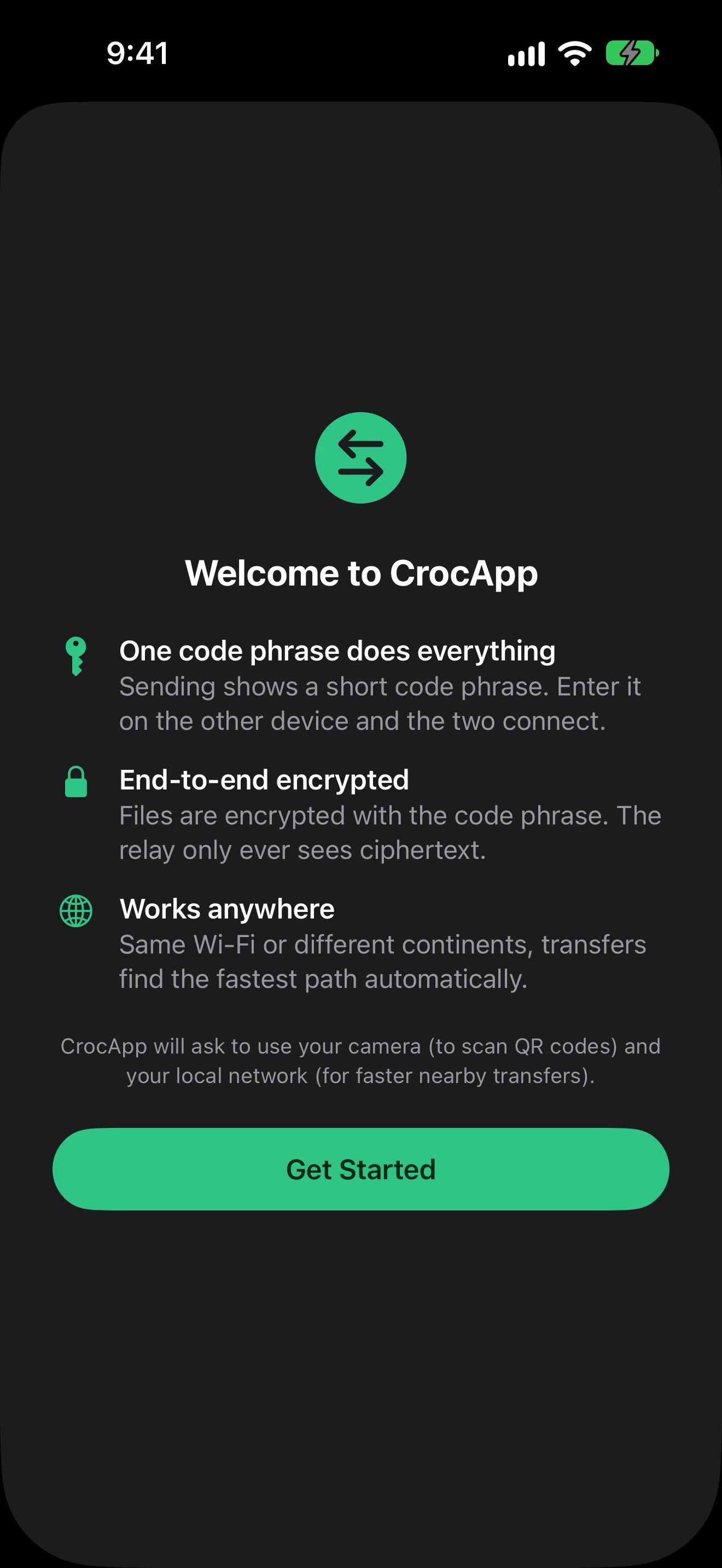
CrocApp sends files, folders, and text between two devices anywhere in the world, encrypted end to end, using a short code phrase like 8412-mirage-cobalt-fresco. No account, no upload to someone else's cloud, no requirement that both devices share a network.
It is a graphical front end for croc, the command-line file-transfer tool by Zack Scholl. CrocApp embeds croc's Go library rather than shelling out to the binary, so a code phrase generated by the croc CLI works in the app, and a code phrase generated by the app works in the CLI.
CrocApp is unofficial and unaffiliated. Nothing here implies endorsement by croc's author.
How it works, in short
The sender picks files, a folder, or a snippet of text. CrocApp generates a code phrase, which can be spoken, messaged, or shown as a QR code. The receiver enters the phrase, sees the file list, and accepts. Both sides run PAKE (password-authenticated key exchange) over the code phrase to derive a session key, so the phrase itself never crosses the network in the clear and the relay never learns it. When both devices are on the same network, CrocApp connects directly and skips the relay.
Platform requirements
CrocApp requires iOS 26, iPadOS 26, or macOS 26, meaning 26.0 or any later version. It is Apple-platform only; there is no Windows, Linux, or Android client.
CrocApp has not been released yet. Nothing is available for download on any channel today. See Install for current status and how to build from source.
Where to go next
- Install: release status and how to build from source today
- Your first transfer: a walkthrough of one send and one receive
- Sending files, Receiving files, Code phrases
- Power options, Settings and trust, History
- croc CLI interoperability and the feature matrix
- Security and privacy, Troubleshooting, FAQ
- Contributing